
WhatsApp QR codes that actually get scanned
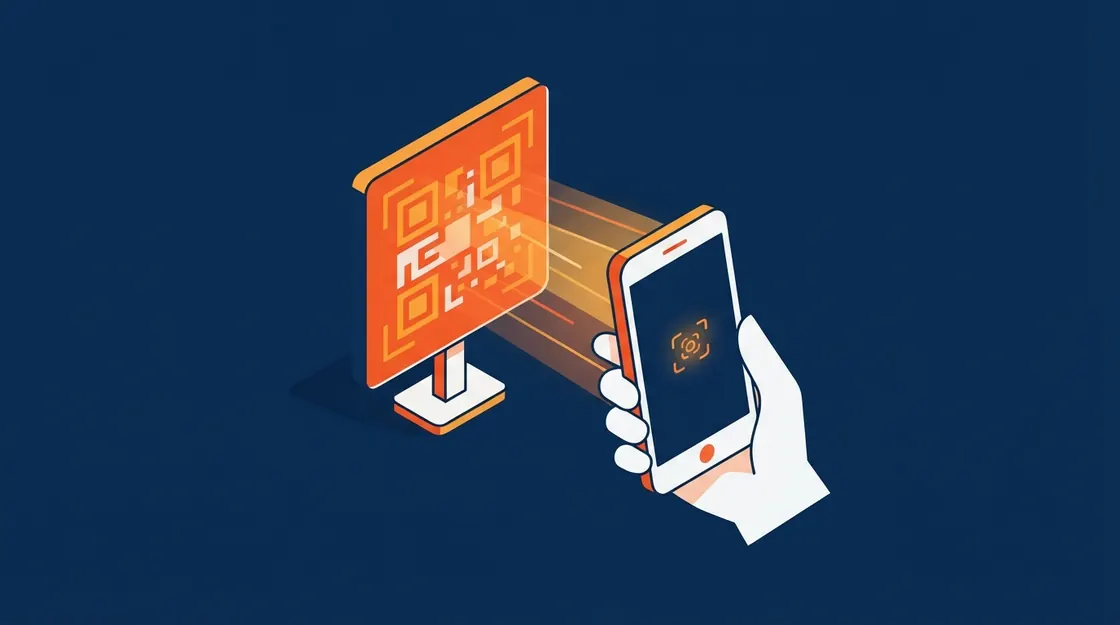
A WhatsApp QR code is a click-to-chat link in visual form. It earns its place anywhere a customer is physically present and typing a number is friction: a counter, a package, a menu, a poster.
Published
Making one
Encode your wa.me link, including the pre-filled message. Any QR generator will do; there is nothing WhatsApp-specific about the encoding.
Give each placement its own pre-filled text. That single habit turns an unmeasurable QR code into an attribution channel.
- Counter: "Hi, I'm at the Indiranagar store"
- Packaging: "Hi, I just received order {{id}}"
- Menu: "Hi, I'd like to order from table 6"
Placement and print
Print it large enough to scan from where people actually stand, and say what happens when they do. A bare QR code with no label gets ignored; "Scan to order" does not.
Test the printed version, not the screen version. Low contrast and glossy lamination defeat more codes than bad encoding does.
Never point a printed QR code at a URL you might change. Print is permanent; use a link you control and can redirect.
Frequently asked questions
Can I track scans?
Not directly in the code, but a distinct pre-filled message per placement tells you where each conversation came from, which is what you actually wanted.
Does the customer need to save my number?
No. The QR opens a chat directly, which is the entire advantage over printing a phone number.
Keep reading
See it answer, in your own words
Tap the mic on our homepage and talk to the same AI your customers would. No form, no scheduling, no sales call first.