
Using WhatsApp Business on multiple devices
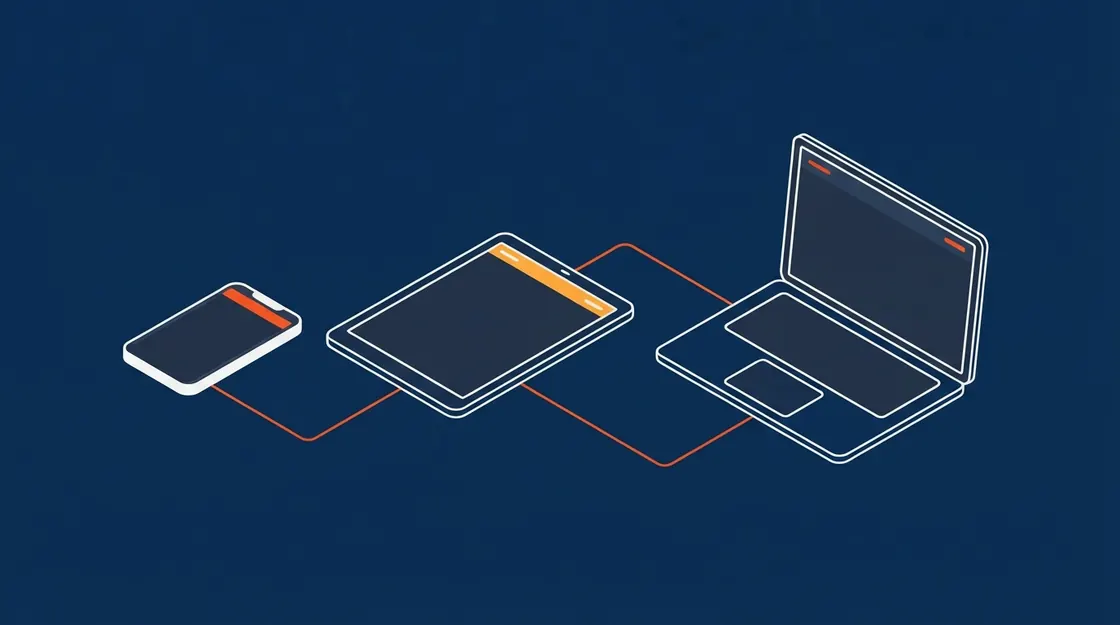
Linked devices let one account run on several screens. That is not the same as several people having their own access, and the difference matters as soon as more than one person is answering.
Published
What linked devices give you
The same account on a phone plus companion devices, with the phone no longer needing to stay online continuously. It is convenience for one person, not access for several.
Why it is not multi-user
Everyone sees the same inbox with no assignment, so two people can answer the same customer differently within seconds of each other.
There is no record of who did what, no internal notes, and no way to measure workload or response time per person.
- No conversation assignment
- No per-user audit trail
- No internal notes
- No roles or permissions
Shared access to a single account is also a security issue: everyone can read every conversation, and nothing logs who opened what.
What a team needs instead
The Business API gives each person their own login on the platform while sharing one business number. Conversations are assigned, actions are attributable, and history stays with the business.
Frequently asked questions
How many devices can I link?
A small number of companion devices alongside the primary phone. It is designed for one person's convenience, not a team.
Can two staff reply from their own phones?
Not properly on the app. That requires the Business API, where each agent has their own account on the platform.
Keep reading
See it answer, in your own words
Tap the mic on our homepage and talk to the same AI your customers would. No form, no scheduling, no sales call first.